Translate Any Text Instantly
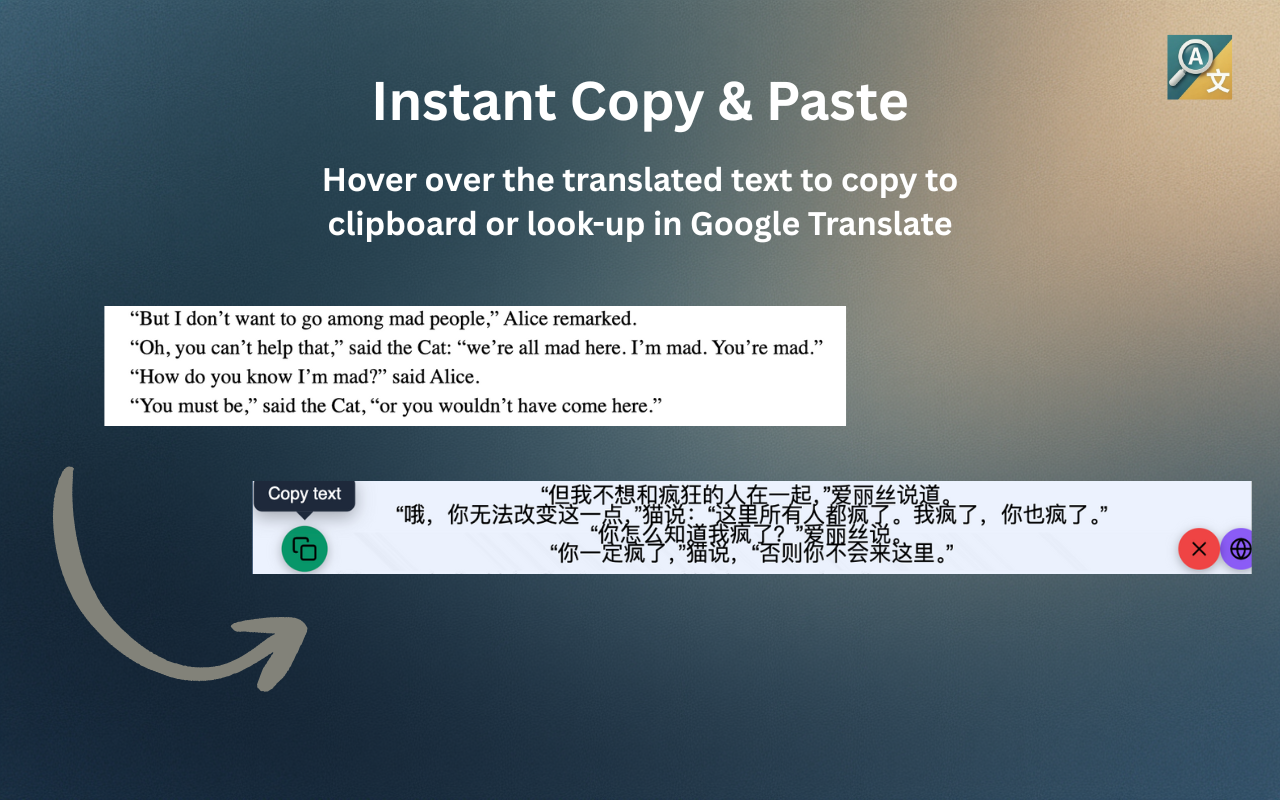
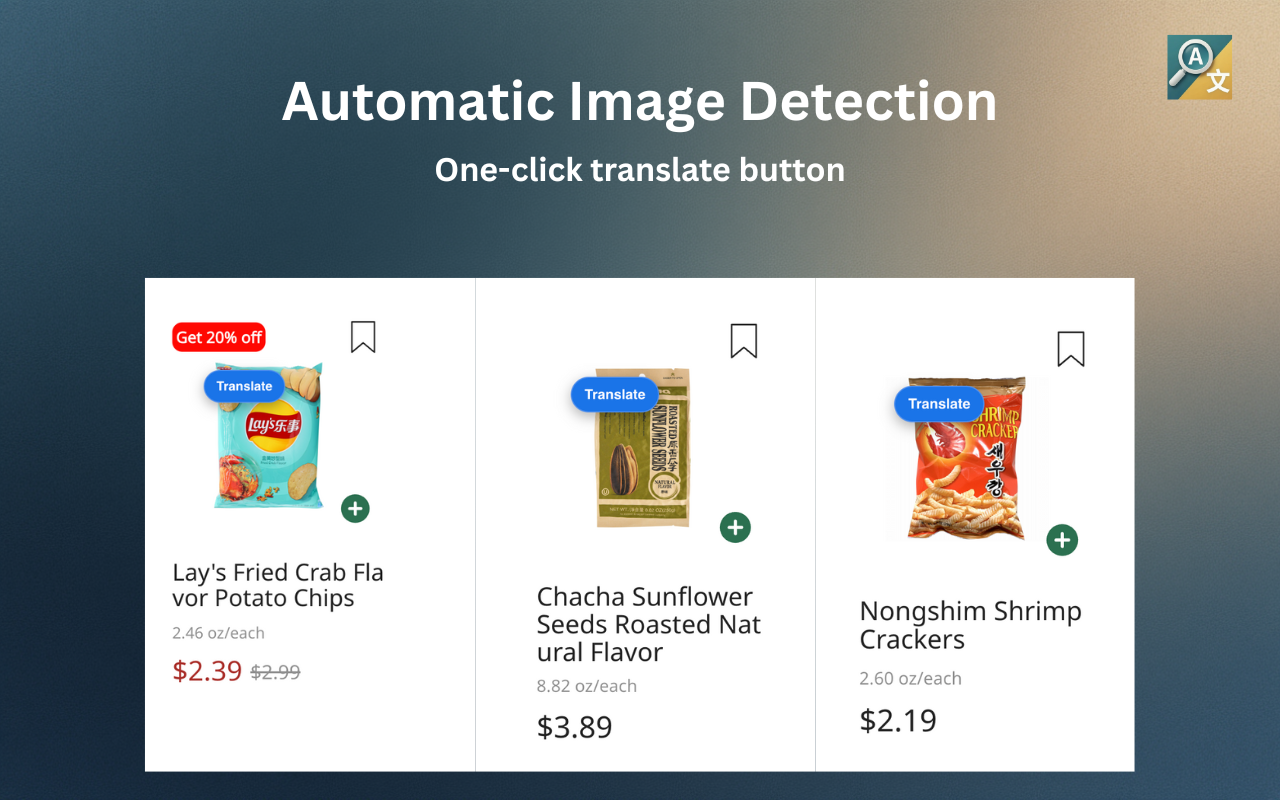
Select any area on your screen or hover over images to extract and translate text instantly. Works fully offline with local processing, or upgrade to Pro for cloud AI accuracy.
Take It With You
Enter your email to get a link to install Illuminate on Chrome.
See How It Works
Watch Illuminate in action
Professional OCR & Translation
Lightning-fast local processing or cloud-powered accuracy. Seamless overlays that look natural.
Local Processing
OCR runs entirely in your browser using WebAssembly. Works offline with no data leaving your device.
Cloud Processing
Advanced AI models for superior accuracy on complex fonts, handwriting, and multi-language content.
Natural Translations
Context-aware translations that preserve meaning and tone across 30+ languages.
Seamless Overlays
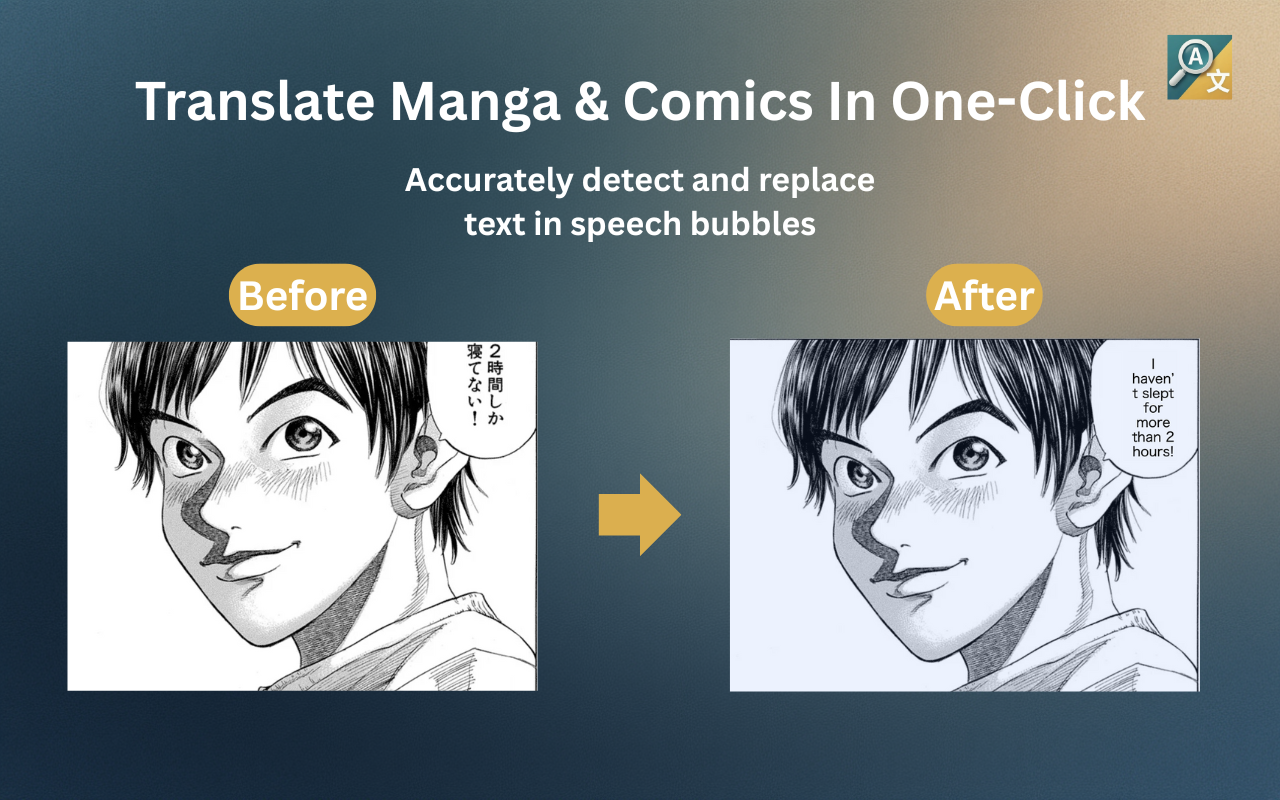
Smart text removal with color-matched inpainting makes translations look like a native part of the image.
Multiple Ways to Capture
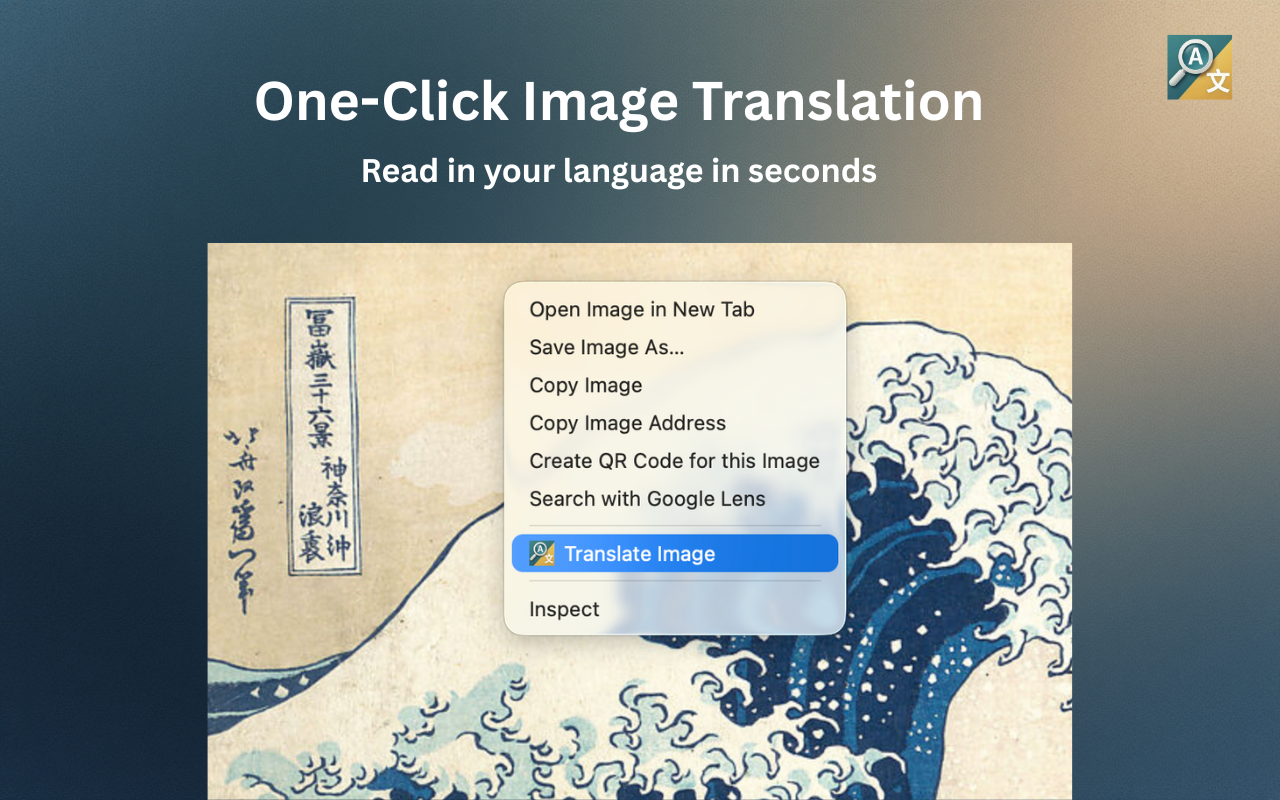
Hover over images, right-click any selection, or use keyboard shortcuts to translate instantly.
Blazing Fast
Optimized worker reuse and image preprocessing deliver results in milliseconds.
How it Works
Select Any Area
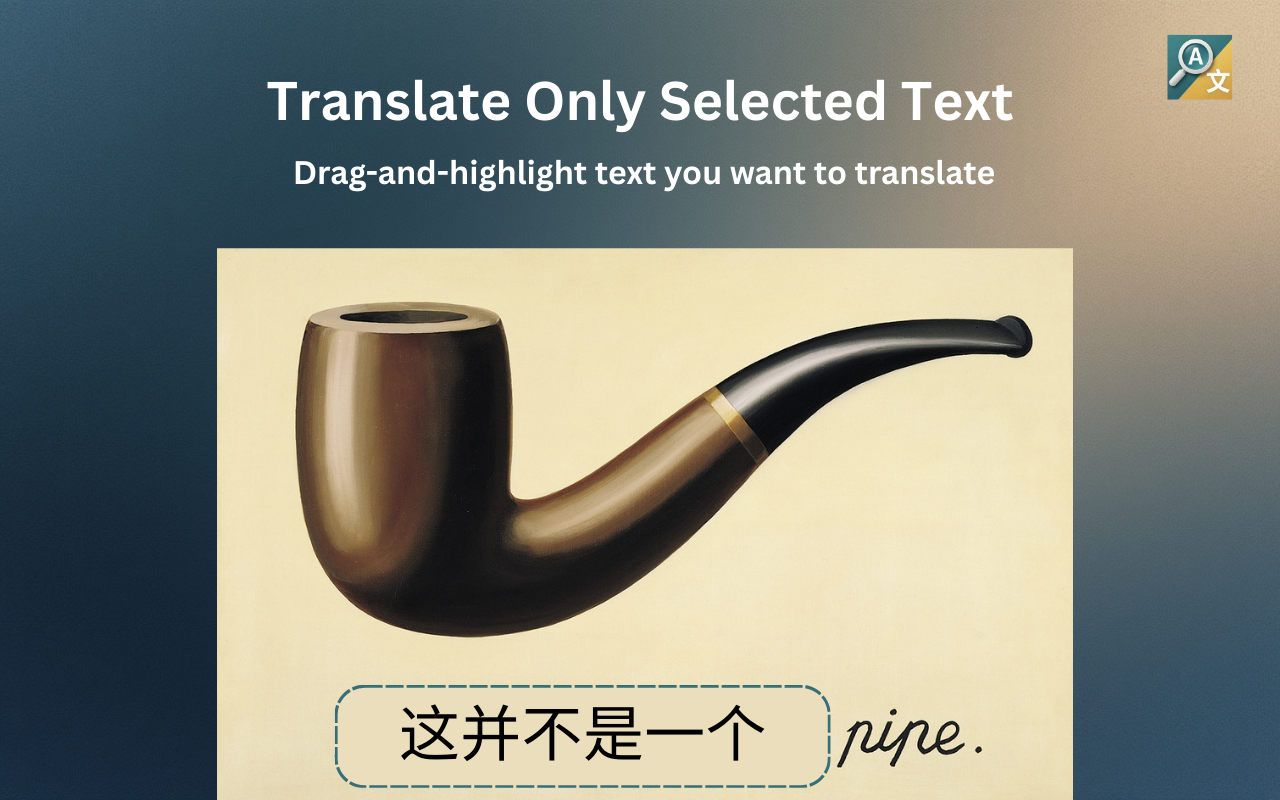
Use the capture tool to select a region, right-click an image, or hover to reveal the translate button.
Instant Text Detection
Text is extracted and analyzed in milliseconds. Local processing is automatic—upgrade to Pro for cloud AI accuracy.
Read Seamless Translations
Translated text appears in-place with natural styling that blends perfectly into the original image.
See Illuminate in Action
Powerful OCR and translation directly in your browser.
Simple, Transparent Pricing
Free with local OCR, upgrade for seamless in-app translations.
Free
- Local OCR processing
- Works offline
- Text extracted instantly
- Opens in Google Translate
Pro
200 credits/month
- Everything in Free
- Cloud AI OCR processing
- Seamless inpainting overlay
- Professional translation API
- All translations in-app
From the Blog
Tips and guides for getting the most out of Illuminate.
How to Read Manga in a Foreign Language
Discover how modern OCR and AI translation technology lets you enjoy manga in Japanese, Korean, or Chinese.
Read moreFrom Ink to Insights: Digitize Your Handwriting
Learn how Illuminate’s advanced AI transcribes human script to preserve your archives forever.
Read moreGetting Perfect OCR Results
Master the settings and techniques that get the best results from Illuminate's multi-pass OCR system.
Coming soon